01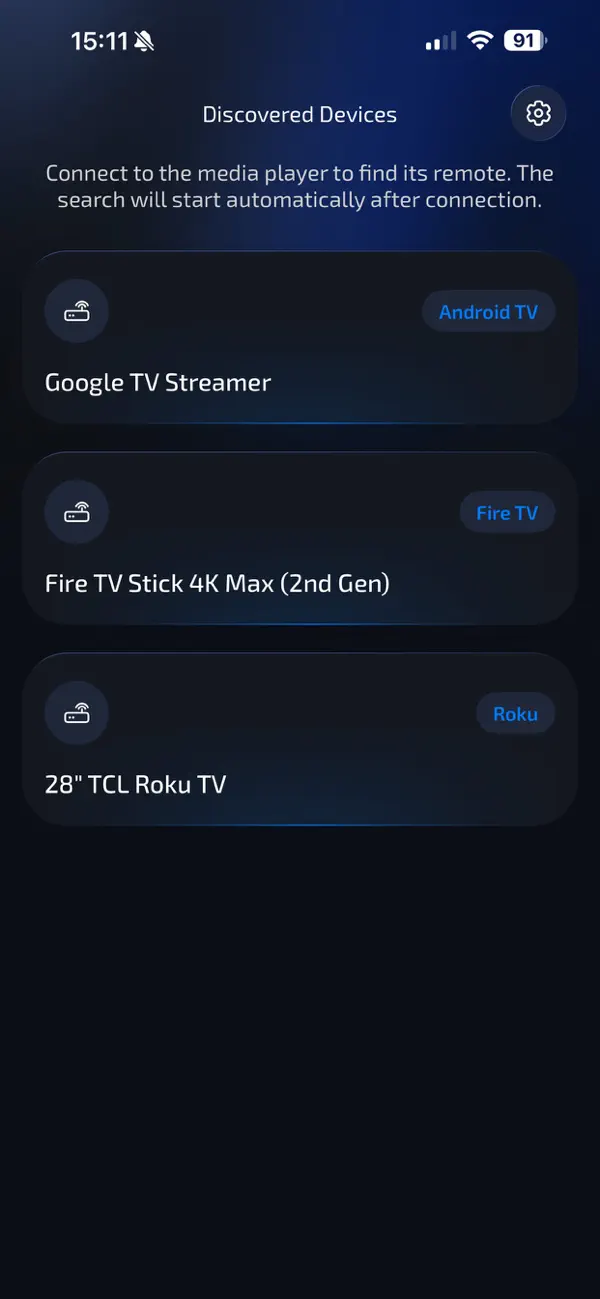
Connect
Choose your TV
The app discovers compatible streaming devices on your network. Tap the one connected to your missing remote.
Connect to your TV, start the search, and let a compatible remote tell you exactly where it’s hiding.





No hunting through menus. Find TV Remote guides you from connection to the sound signal.
The app discovers compatible streaming devices on your network. Tap the one connected to your missing remote.
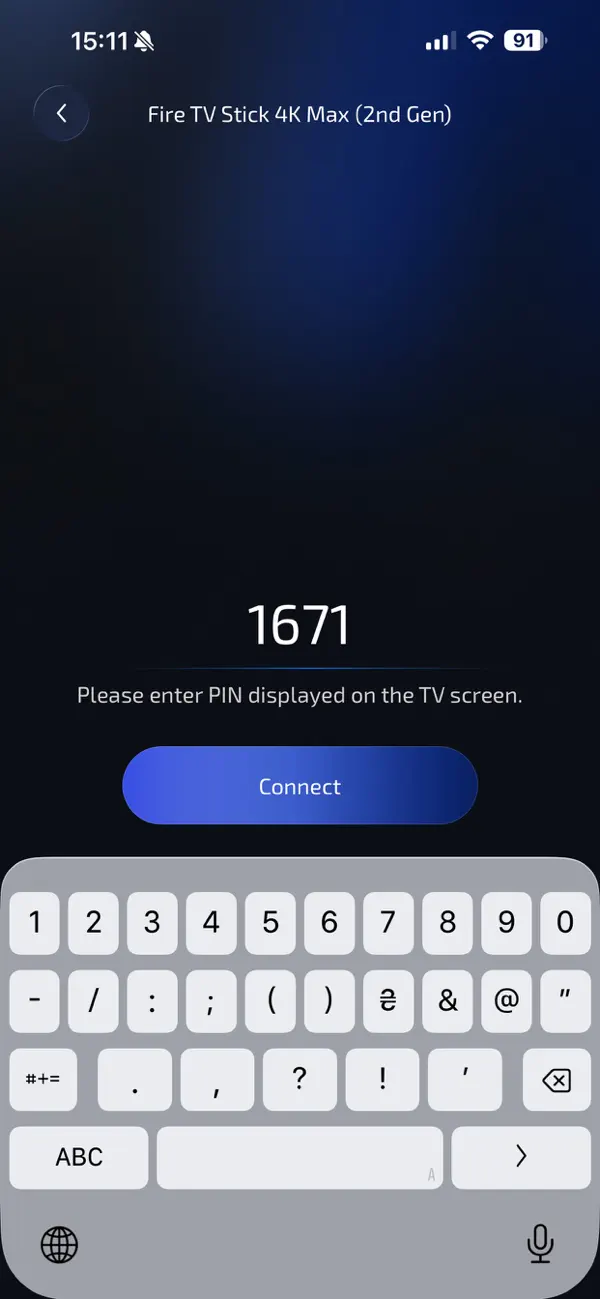
Enter the PIN shown on your TV when prompted. It takes a moment and keeps the connection secure.
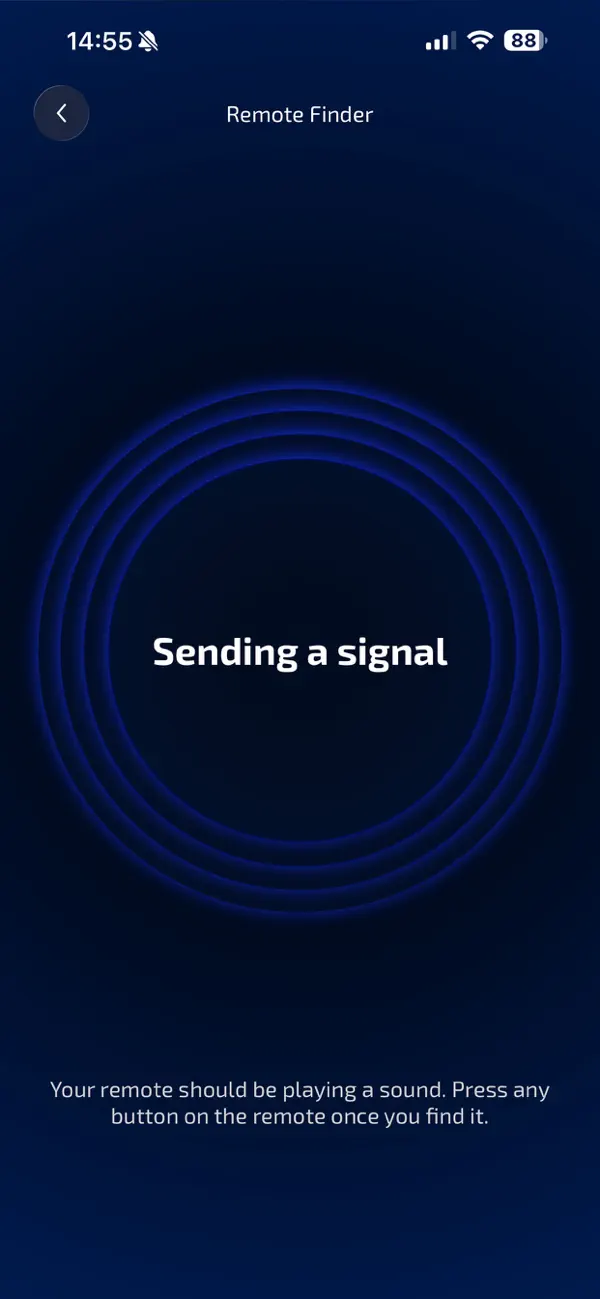
A supported remote plays an audible signal. Follow it, press any remote button, and get back to your show.
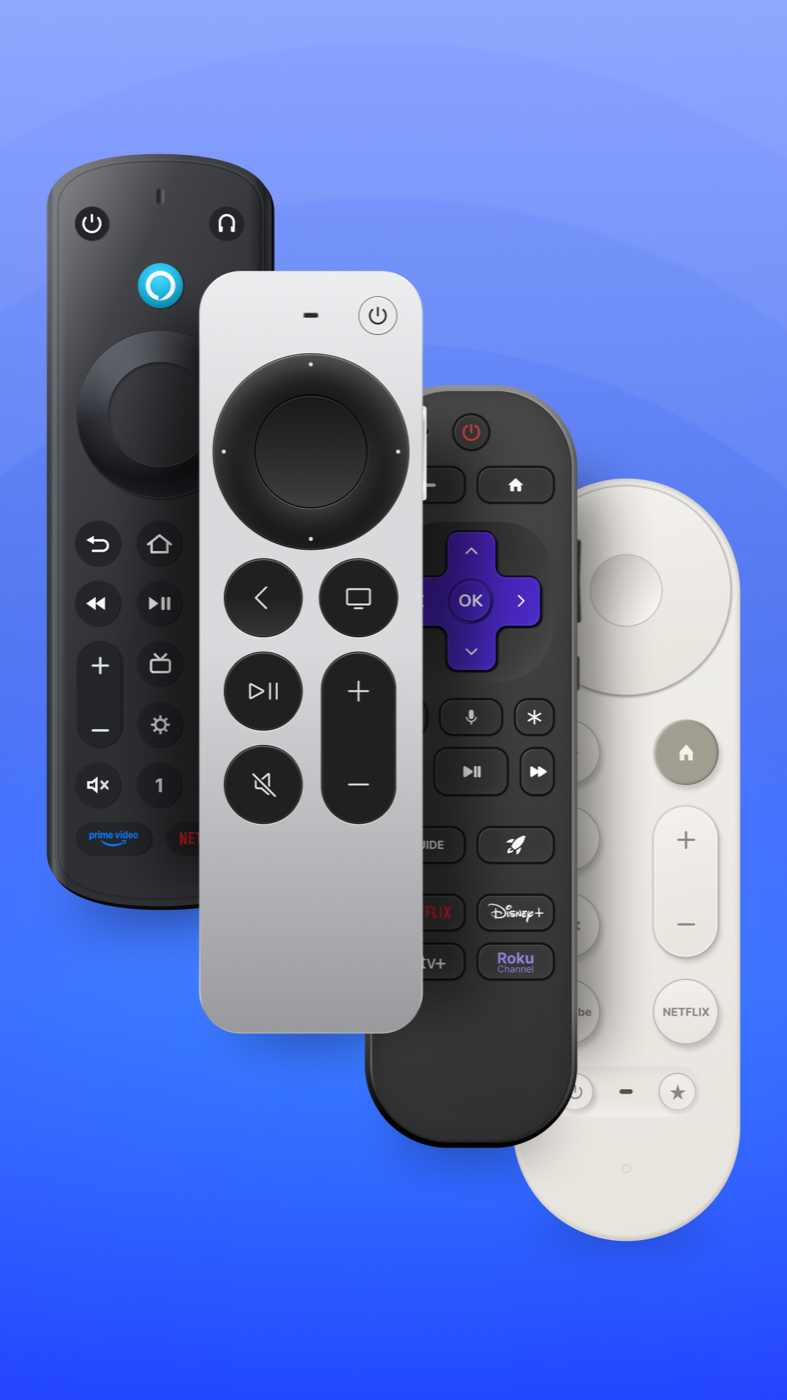
Get clear, device-specific guidance for the most popular streaming platforms.
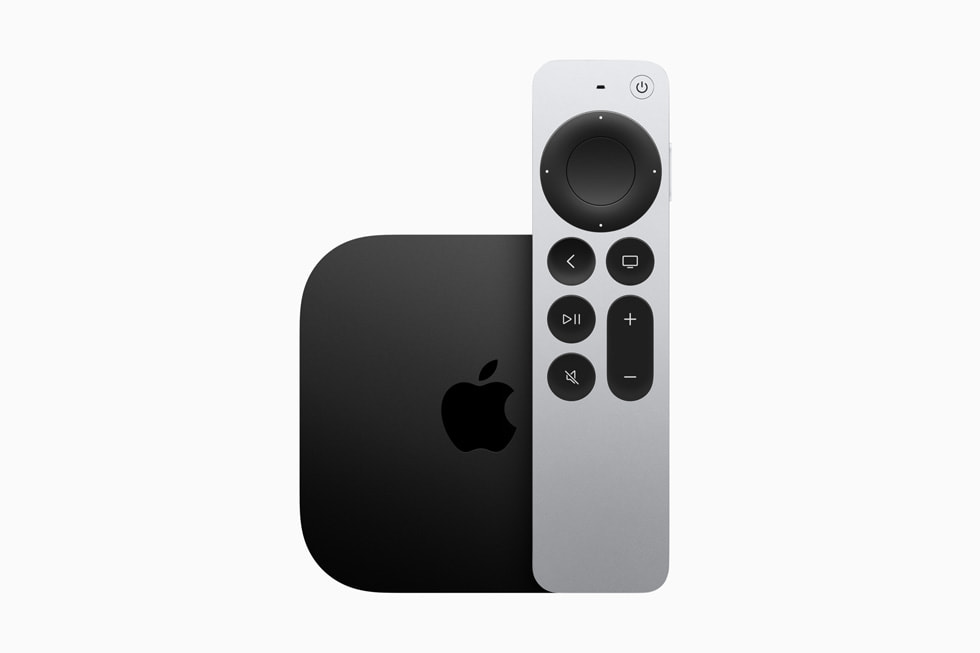
Siri Remote
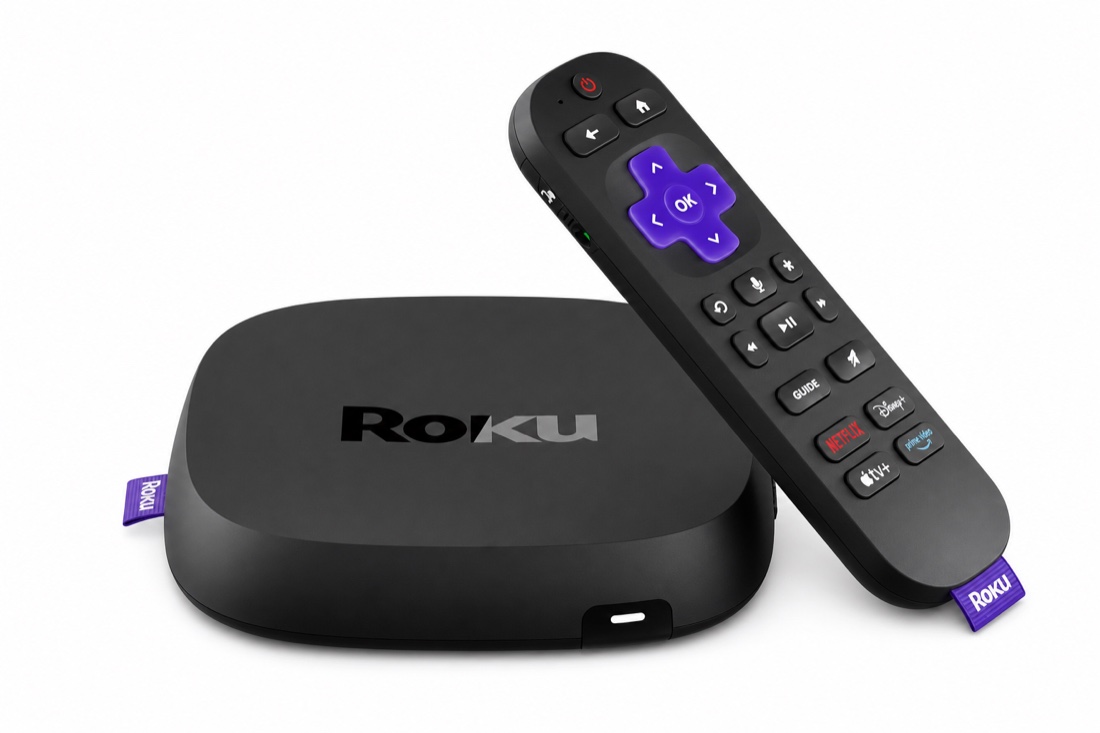
Roku Voice Remote Pro
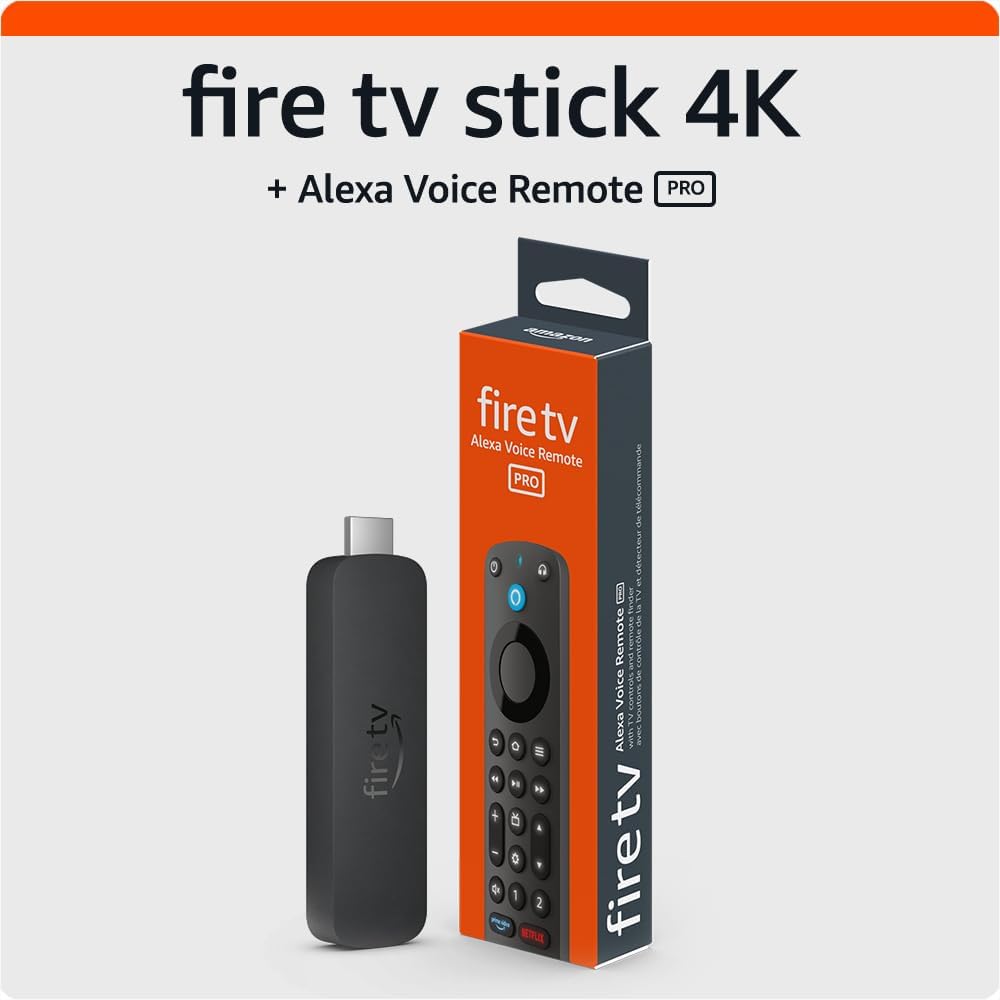
Alexa Voice Remote Pro
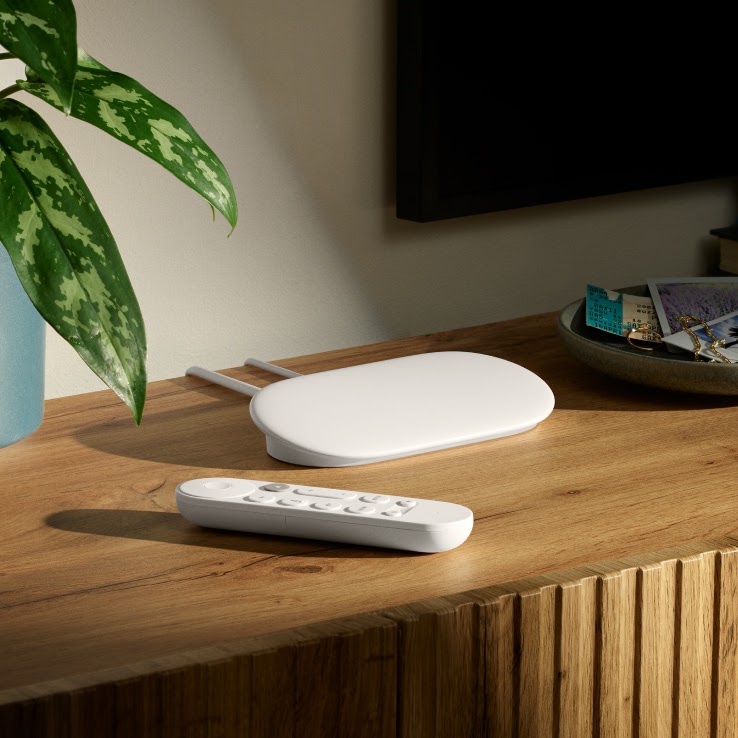
Google TV Streamer Voice Remote
i Remote finder requires a compatible remote with built-in sound support, paired to your TV and powered on.
Find TV Remote does one frustrating job exceptionally well. The experience is fast, calm, and focused from the second you open it.
Start finding your remote →See compatible TVs and streaming devices on your local network.
Trigger the remote’s built-in speaker when the hardware supports it.
Connect in a few taps with clear, device-specific instructions.
Know what is happening at every step of the search.
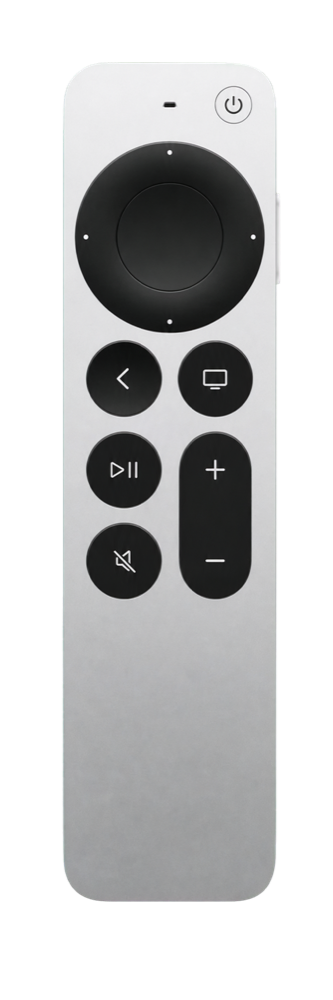
Pair with a PIN, enter search mode and follow the pulsing proximity animation.
Read guide →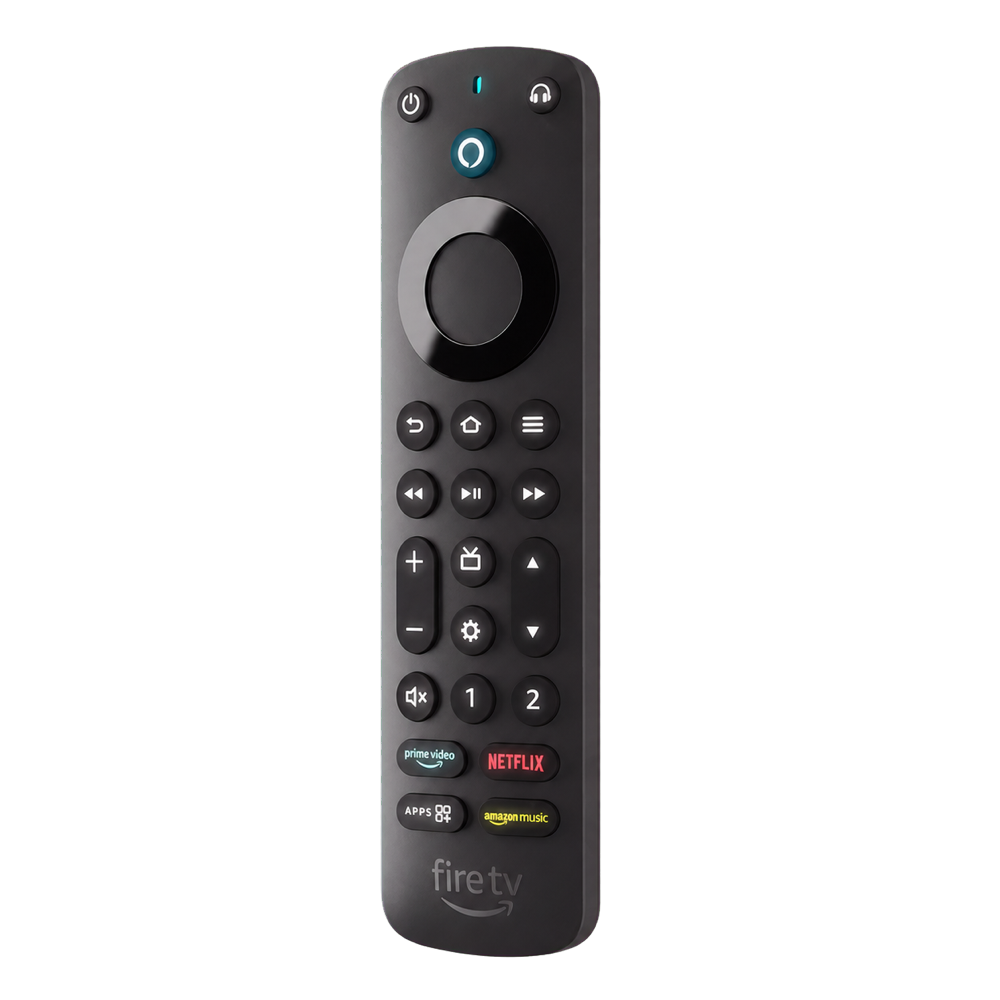
Connect Find TV Remote to Fire TV and play the remote’s finder sound.
Read guide →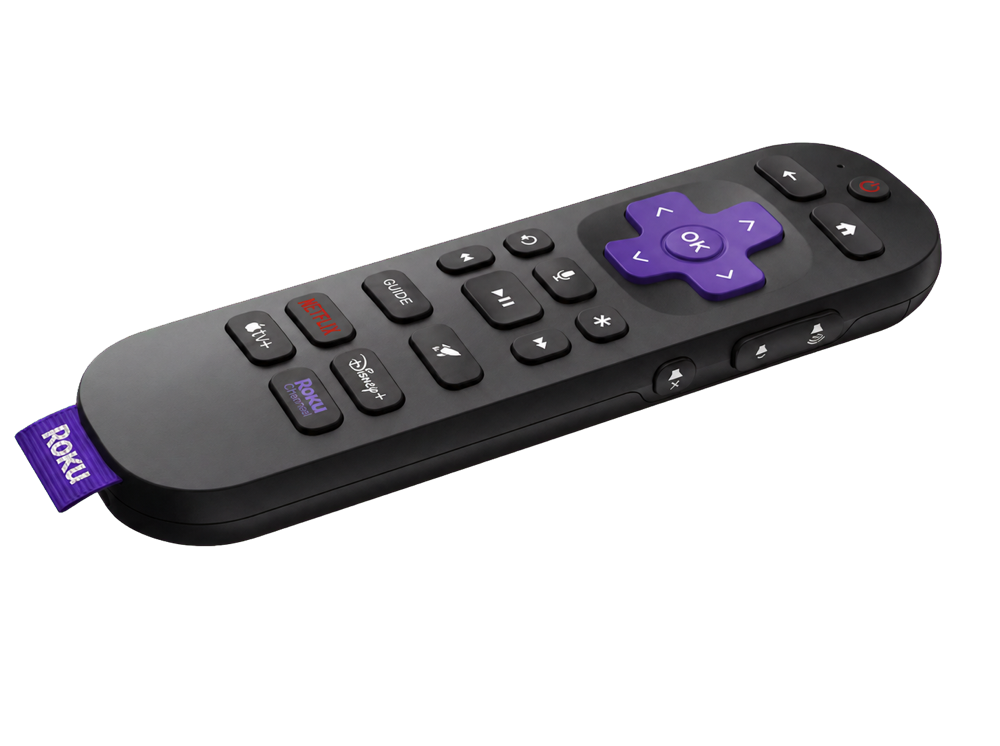
Trigger lost remote finder and follow its sound for up to 60 seconds.
Read guide →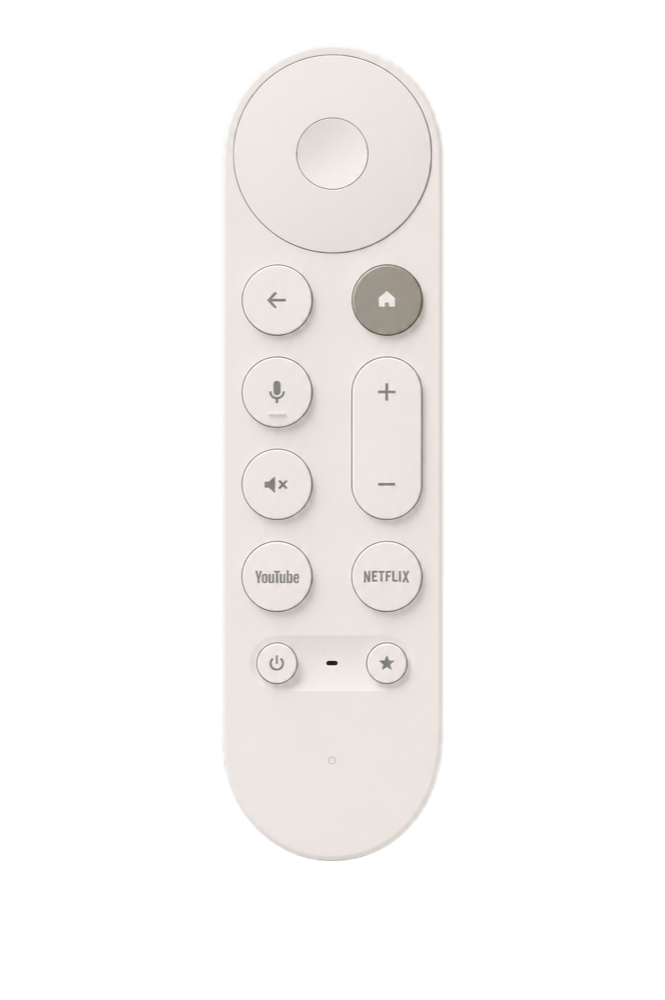
Connect Find TV Remote and play a 30-second sound on the paired remote.
Read guide →Download Find TV Remote and turn the next missing-remote moment into a quick tap.